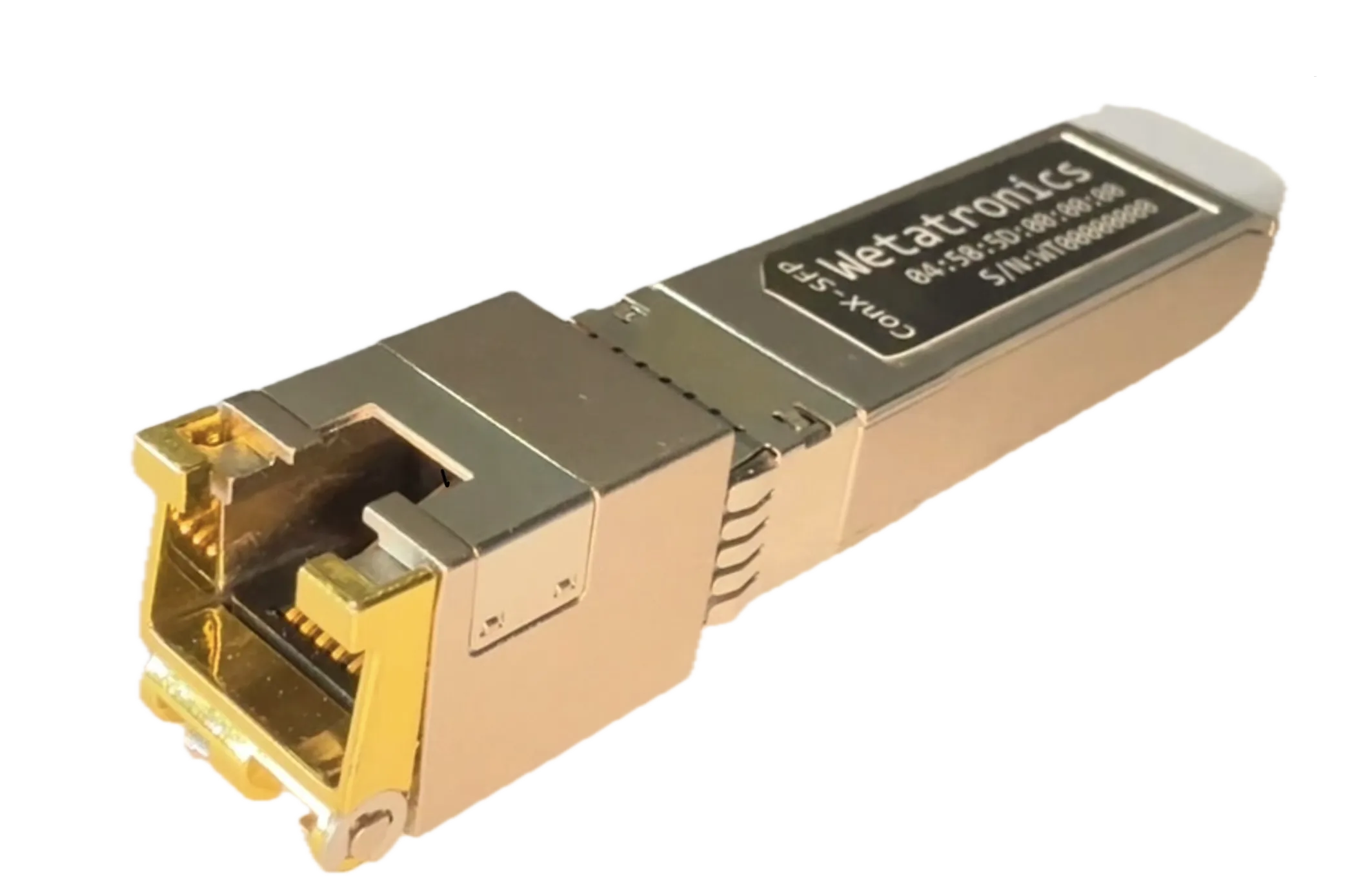
ConX-SFP Console Server
Two RS-232 serial console ports from any 1G SFP slot — SSH or Telnet access, plus jump-host reach to other hosts via ConX Portal. Drop into your existing switches, routers, and firewalls — no rack space, no power feeds, no VPN.
- Form Factor
- Standard 1G SFP
- Serial Ports
- One RS-232 port with standard ethernet cable, or two RS-232 ports using breakout cable
- Network
- 1G Ethernet, DHCP auto-config
- Management
- Local SSH or ConX Portal (cloud / on-prem)
- Access Modes
- SSH or Telnet to the device; jump-host access to other hosts (SSH/Telnet/RDP/HTTP/HTTPS) via ConX Portal
- Security
- Outbound-only TLS, works through NAT/CGNAT
- Compatibility
- Cisco, Juniper, Arista, MikroTik, and more
How It Works
Insert
Slide ConX-SFP into any spare 1G SFP slot — it presents as a standard optic
Cable
Connect the RS-232 serial lead to your device's console port
Auto-Config
DHCP assigns an IP. ConX-SFP connects outbound to the ConX Portal via TLS
Connect
Launch a browser-based console session from anywhere via the portal
Day-2 Operations
Site Requirements
Security & Control
Use Cases
Data Center OOB
Scale out-of-band console access across spine-leaf fabrics without consuming rack space or power. …
Central Visibility
Collect every console message at the edge, search and analyze centrally. AI-powered triage, …
Service Provider & Lab
Standardize serial console access for carriers, labs, and integration teams. Per-session audit logs, …
Industrial & OT
Secure serial console access for CNC machines, SCADA systems, power infrastructure, and industrial …
MSP & Remote Sites
Instant remote serial console access for MSP and enterprise networks. No VPNs, no truck rolls — …
Common Questions
How does it compare to traditional console servers?
Does ConX-SFP require a VPN?
What devices does it work with?
Can it work in air-gapped environments?
Ready to get started?
ConX-SFP ships ready to go — DHCP auto-config, insert, cable, connect.