Data Centre
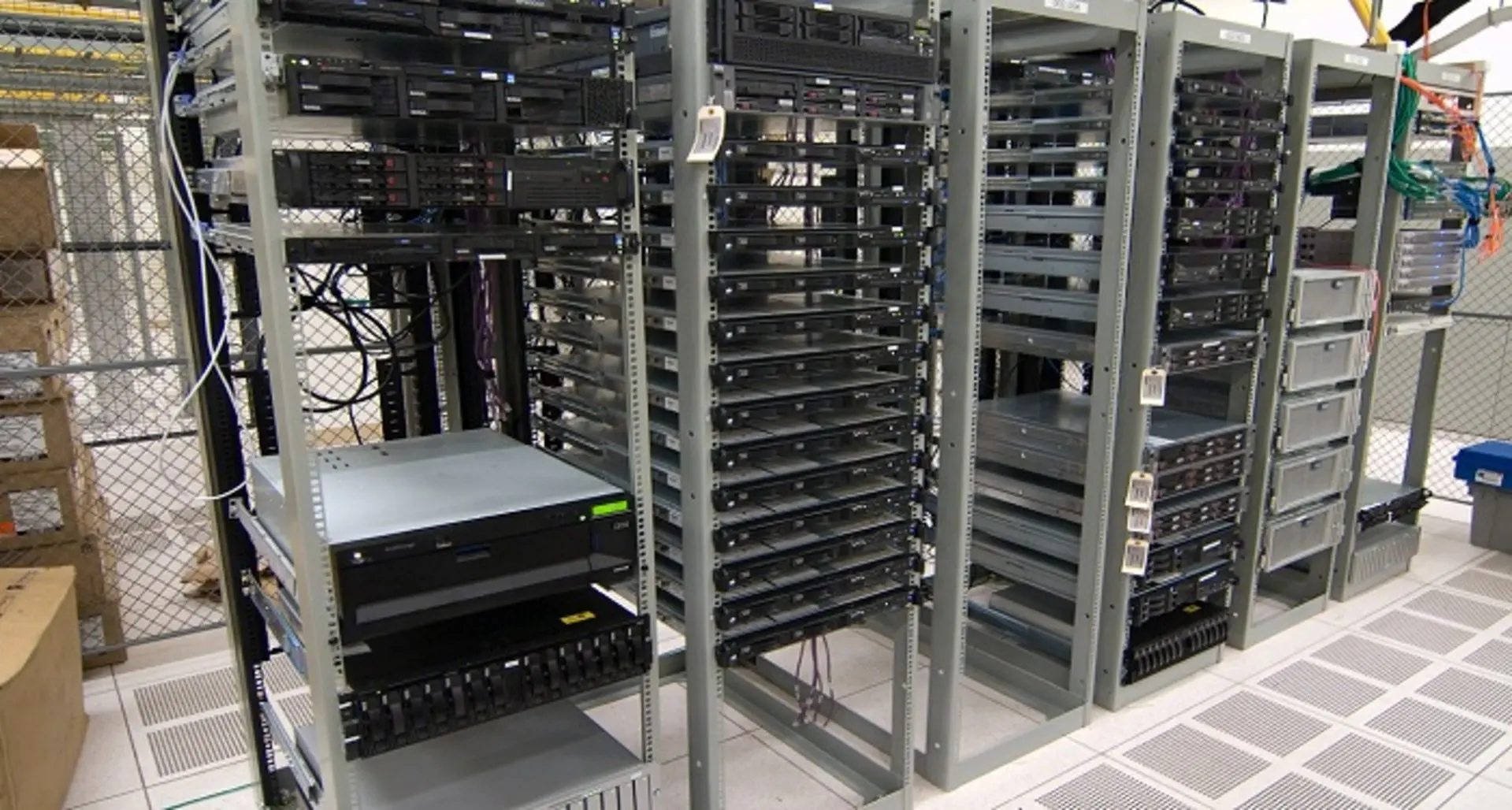
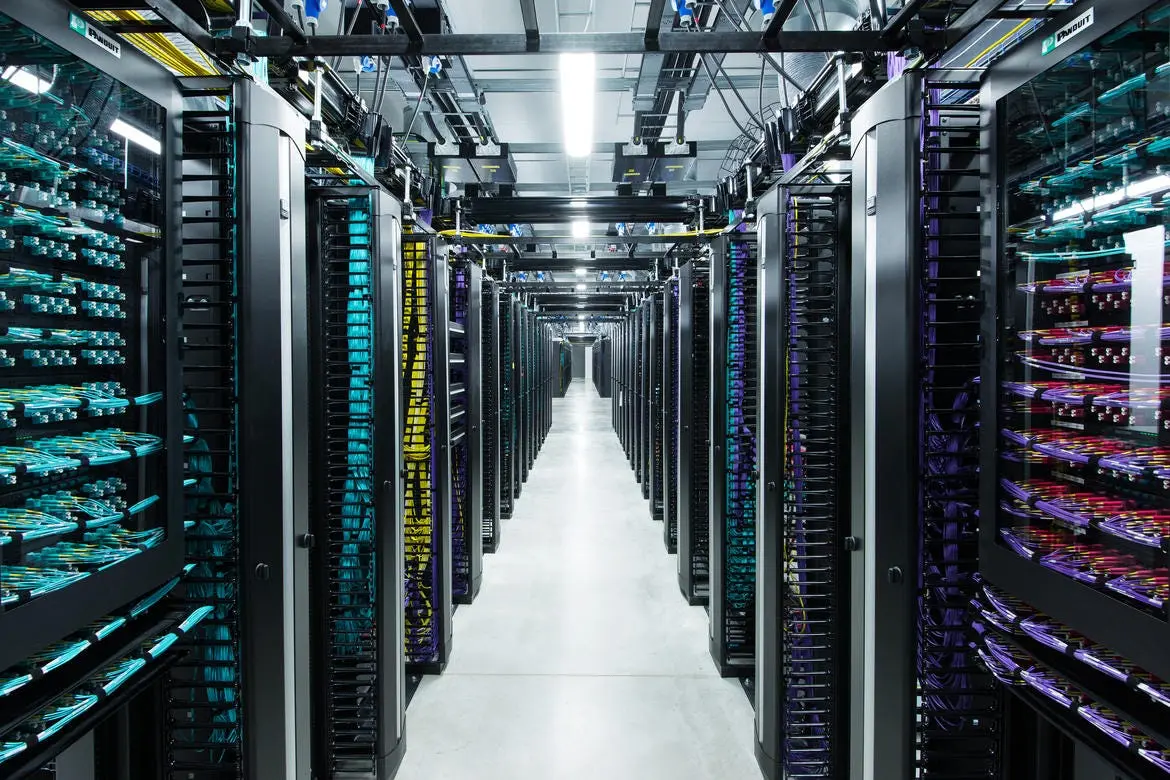
ConX-SFP scales deterministic console access across spine-leaf fabrics, storage rows, and edge pods—without consuming U space or power for legacy console servers.
What’s hard today
- Dense racks leave no room for extra console hardware or dedicated power feeds
- Fibre-only rows make it expensive to pull copper all the way back to jump hosts
- Teams need consistent access and audit trails across mixed vendor devices
How ConX-SFP helps
- Drop into spare cages: Populate unused SFP slots on your management or out-of-band switches and instantly gain two RS-232 ports.
- Leverage existing infrastructure: Use the same space, power, and network already in the rack instead of deploying standalone console appliances.
- Grow in micro-steps: Add ConX-SFPs as requirements expand—each unit adds two more console ports without redesigning the rack.
- Keep cabling local: Terminate serial patching right at the leaf or appliance instead of running long copper bundles back to a central frame.
Rollout checklist
- Identify spare SFP cages on management/aggregation switches in each rack.
- Insert ConX-SFP, then land the serial lead on the target devices.
- Confirm DHCP or static IP provisioning on the management VLAN.
- Map devices into the ConX Portal for role-based access and auditing.
Central Visibility
Never Miss a Critical Network Event
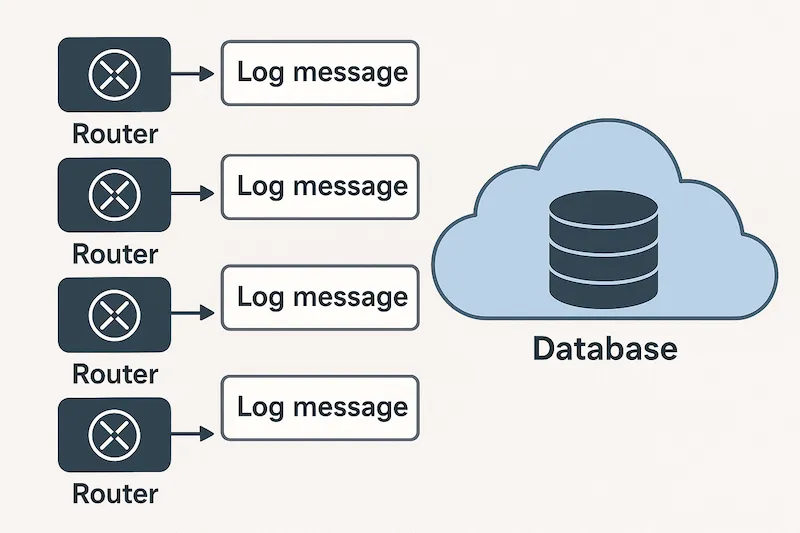
ConX-SFP transforms console logs into actionable intelligence, giving you complete visibility across your entire network infrastructure.
The Challenge
Network devices generate thousands of console messages every day. Critical errors get buried in routine logs.
By the time you notice a problem, it’s already causing downtime. Manual log analysis is time-consuming, error-prone, and doesn’t scale.
ConX-SFP solves this. Our intelligent platform automatically collects, analyzes, and prioritizes every console message—turning noise into clarity.
Service Provider & Lab Operations
ConX-SFP helps carrier teams, systems integrators, and lab engineers keep fleets recoverable without deploying bulky console infrastructure to every rack.
Scenarios we support
- Carrier/ISP emergency OOB: Pre-stage ConX-SFPs in field cabinets so techs can recover switches and routers remotely during outages.
- M&A or contractor access: Provide temporary console reach without granting VPN credentials or exposing the production LAN.
- Staging new sites: Bring up customer branches before WAN/MPLS/VPN policies are finalised by using SFP slots already available in staging racks.
- Lab and certification racks: Replace USB dongles and jump boxes with an auditable portal experience that scales across test benches.
Value highlights
- Works with the SFP cages already present in aggregation switches and test rigs
- Provides per-session audit logs for compliance or customer reporting
- Lets small teams cover larger fleets without dispatching specialists onsite
Instant Remote Console
ConX-SFP gives MSP, reseller, and enterprise operations teams a dependable way to reach customer consoles in minutes—no site VPNs, no truck rolls, no bespoke jump boxes.
Challenges this solves
- Break/fix incidents where the WAN is down but serial access is still required
- Volume provisioning across dozens of small sites with limited onsite skills
- Support contracts that demand audited access without granting LAN credentials
How it works
- Drop in: Insert ConX-SFP into any spare 1G SFP slot on the customer gateway, switch, or firewall—it presents just like a standard optic.
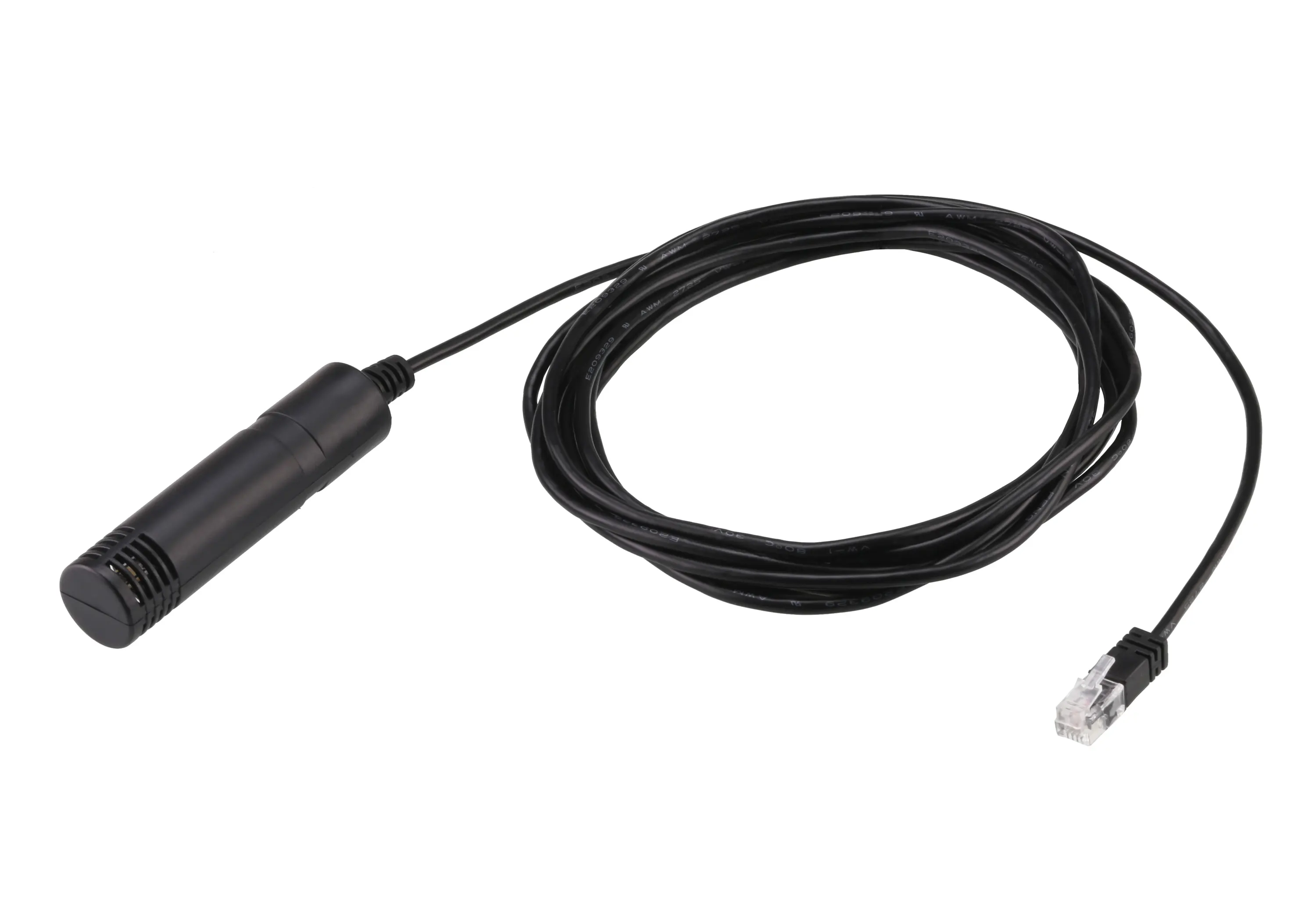
- Cable the console: Connect the supplied serial lead (single port or dual via breakout) to the device’s RS-232 console.
- Let it phone home: ConX-SFP acquires an IP via DHCP and establishes outbound TLS to the ConX Portal (cloud or on-prem).
- Click to connect: From the portal, launch a browser-based console session with per-user authentication and logging.
Why teams adopt it
- Works through NAT and CGNAT with no inbound rules to negotiate
- Ships preconfigured, so non-specialists can install it at the remote site
- Provides a uniform interface for routers, switches, firewalls, PDUs, and servers
Quick-start checklist (~5 minutes)
- Insert the ConX-SFP into any spare host cage.
- Cable the ConX-SFP serial lead to the target device (9600 8N1 by default).
- Verify DHCP assigned an address on the management VLAN.
- Open the portal and start the console session.
Tip: Air-gapped or regulated environments can use the ConX Portal in on-premises mode—no traffic ever leaves your network.
Field, Mobile and Military Units
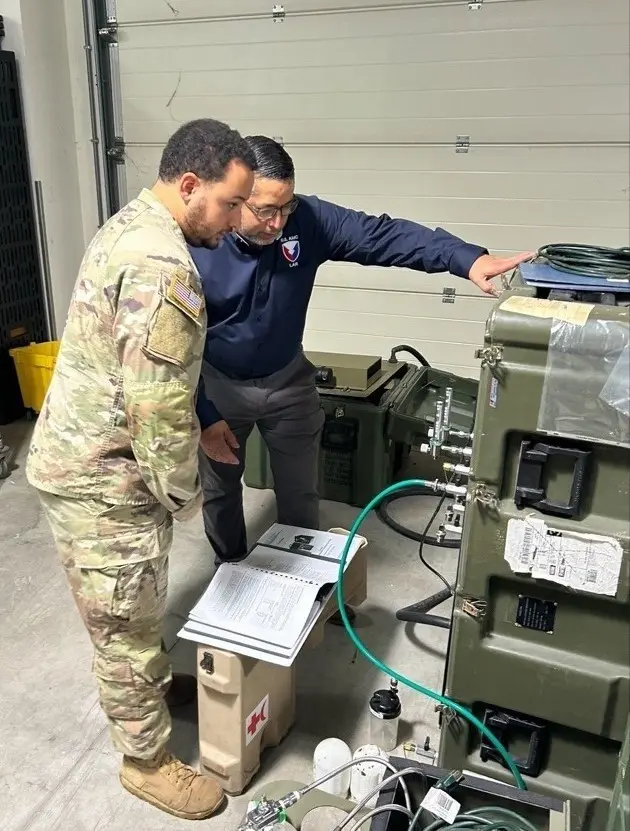
ConX-SFP keeps forward-deployed networks serviceable even when inbound connectivity is blocked, intermittent, or unknown.
Mission profiles
- Tactical or emergency sites riding over carrier-grade NAT or rotating SAT backhaul
- Mobile platforms (vehicles, ships, UAV ground stations) that refresh IP context regularly
- Classified or coalition environments where inbound management paths are disallowed
Field workflow
- Outbound-only control: ConX-SFP initiates the TLS session to the ConX Portal, so no inbound firewall rules or static IPs are required.
- Compact install: Slide the ConX-SFP into a ruggedized router or switch, then land the serial pigtail on the mission device.
- Instant reach-back: When connectivity is available, the NOC launches a hardened browser console to push configs or recover devices.
Deployment patterns we see
- Temporary FOBs / pop-up networks: Keep ConX-SFPs in the kit; insert when remote expertise is needed.
- Mobile command centres: Standardize console access across mixed vendor gear without maintaining separate VPN stacks.
- Air-gapped missions: Host the ConX Portal on-premises or within a coalition enclave to keep traffic self-contained.
Note: ConX-SFP supports FIPS-ready cipher suites and offline activation workflows—ask us about mission assurance requirements.